SMTP Tool
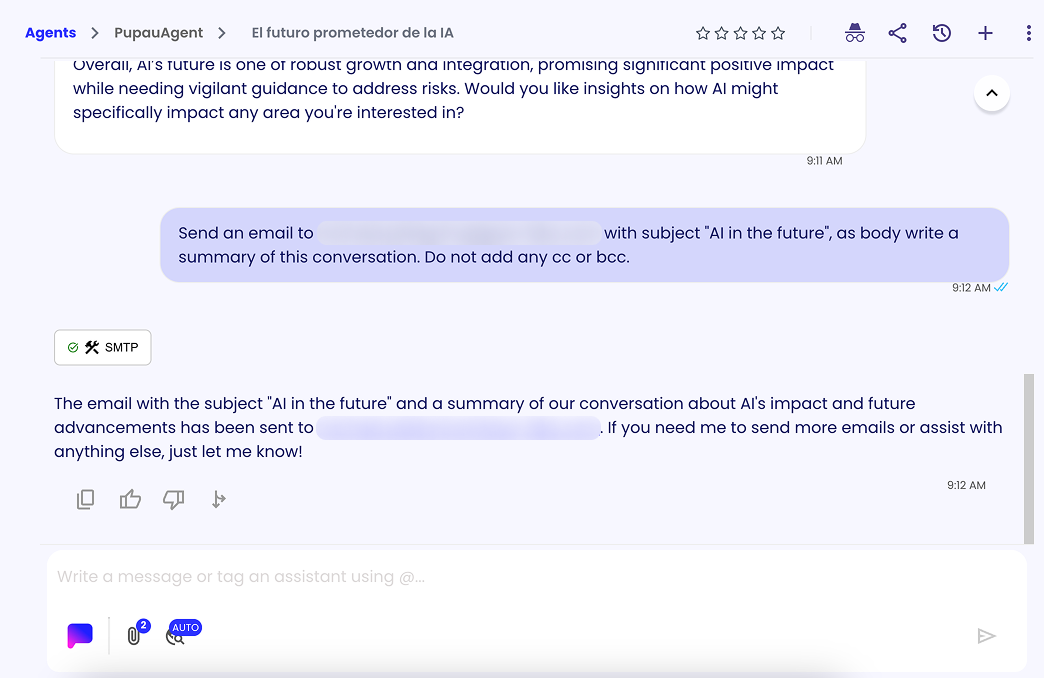
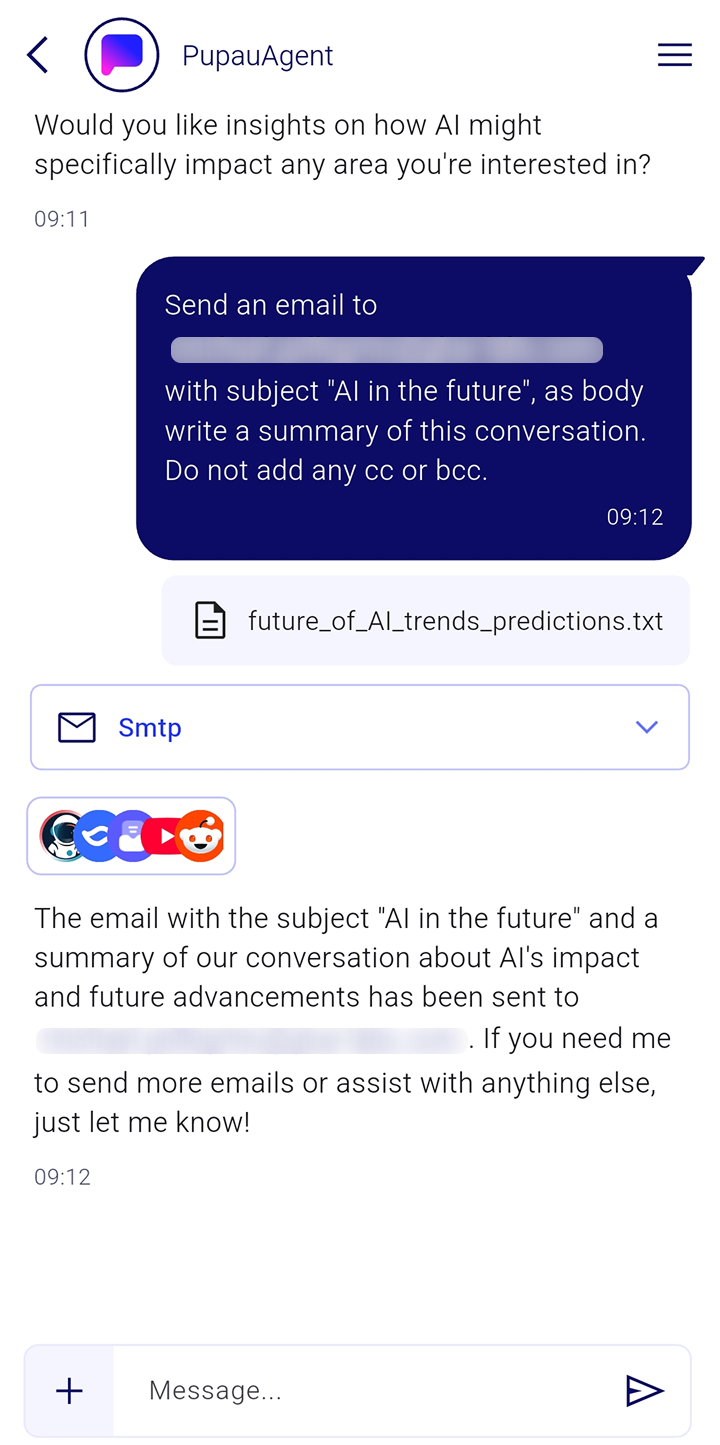
This tool allows your agent to send emails through SMTP servers, enabling automated email communication, notifications, and correspondence directly from your agent interactions.
Parameters
This are the Tools Parameters. They can be configured as "static" during configuration of the tool or left as dynamic in order to let the llm to configure them.
| Name | Description | Possible Values | Required |
|---|---|---|---|
| serverAddress | The address of the SMTP server | Any valid SMTP server address | Yes |
| serverPort | The port of the SMTP server | Any valid SMTP port number as string | Yes |
| credentials | The username and password to use to connect to the SMTP server | Username and password credentials. See Credentials documentation for details on creating and managing credentials | Yes |
| senderAddress | The email address of the sender | Any valid email address | Yes |
| subject | The subject of the email | Any string | Yes |
| body | The body of the email. It can be plain text or HTML | Any string (plain text or HTML format) | Yes |
| to | The email address of the recipient. It can be a string or comma separated list of email addresses | Single email address or comma-separated list | Yes |
| cc | The email address of the recipient to be cc'ed. It can be a string or comma separated list of email addresses | Single email address or comma-separated list | Yes |
| bcc | The email address of the recipient to be bcc'ed. It can be a string or comma separated list of email addresses | Single email address or comma-separated list | Yes |
When to use this tool
Use this tool when you want to give your agent the ability to send emails automatically through SMTP servers. This is particularly useful for:
- Automated notifications: Send alerts, updates, or status reports to users or administrators
- Customer communication: Enable your agent to respond to inquiries, send confirmations, or provide support via email
- Workflow automation: Integrate email sending into business processes, such as order confirmations or appointment reminders
- Report distribution: Automatically send generated reports, summaries, or analytics to stakeholders
- Multi-recipient messaging: Send emails to multiple recipients using TO, CC, and BCC fields for different communication needs
The tool supports both plain text and HTML email formats, allowing for rich content and professional email communications directly from your agent.