Tool Visibility
The option "Show Tool" gives you control over the visibility of the tool in the user interface. This option is normally activated and lets the user see and interact with tool results. In some cases you want to hide the tool usage from the user (i.e., in a customer care agent facing your customers) and you can set the option to OFF, deactivating it.
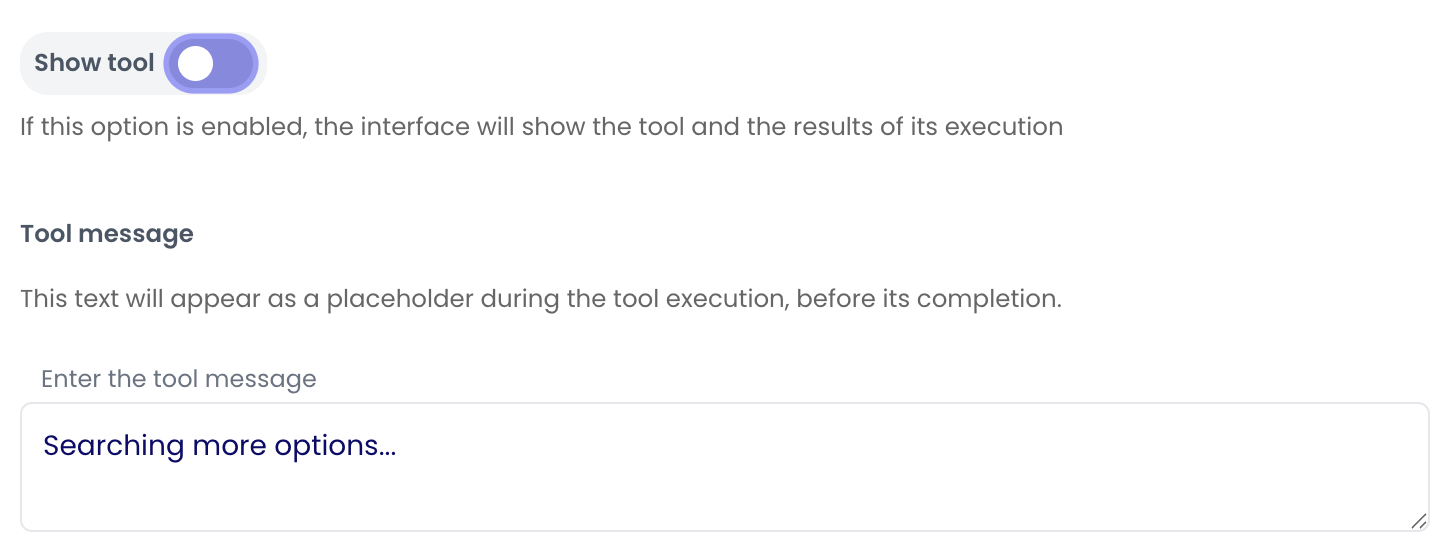
When the option is OFF the user will see the configured message tool instead of the actual tool response
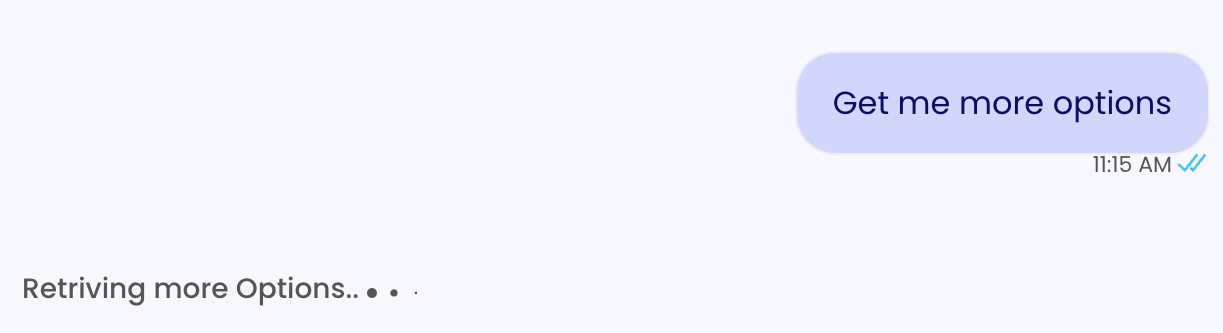
Use this option to decide whether to give the user evidence of the tool used or not