Gallery Introduction
Overview
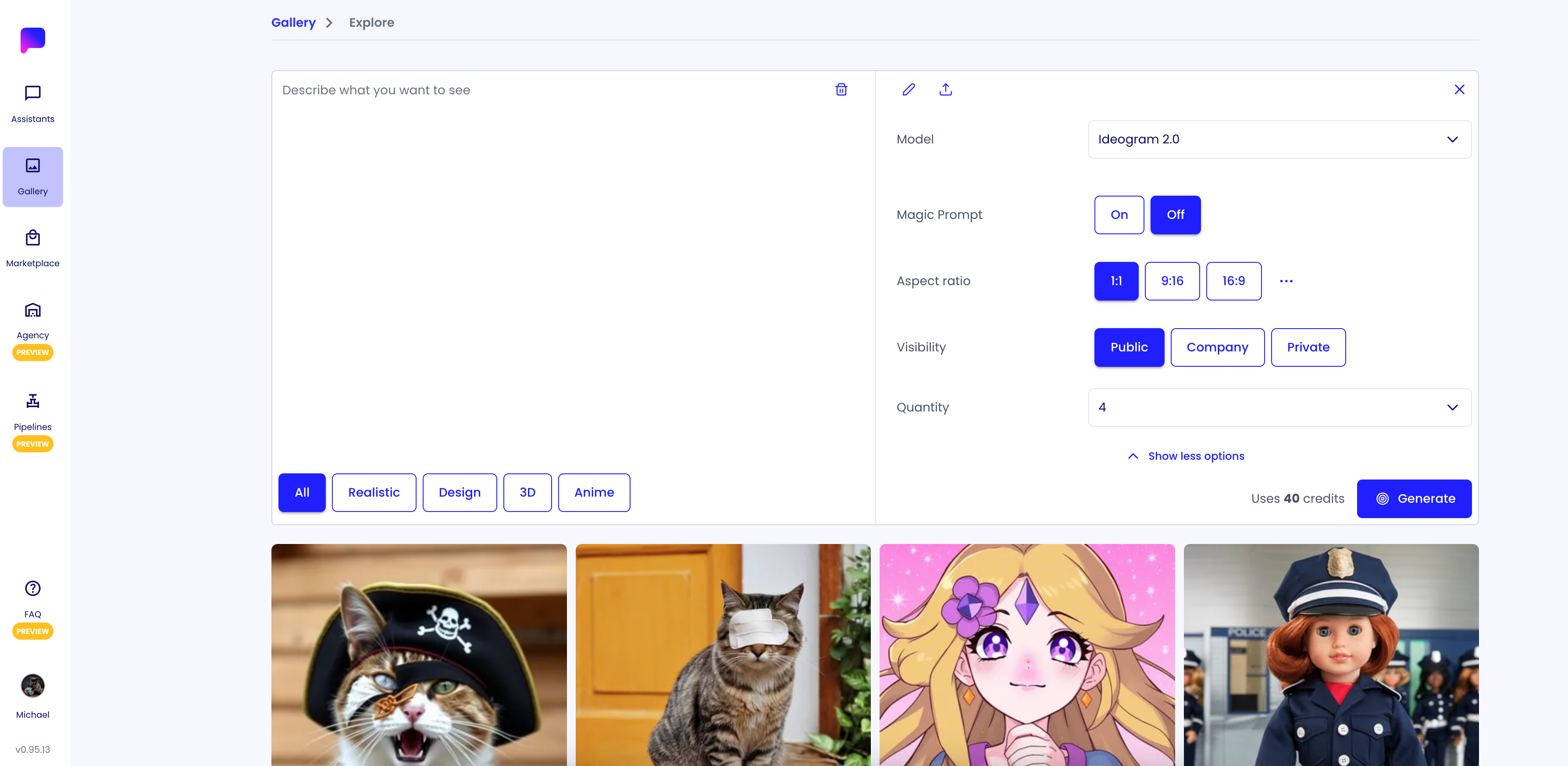
In the Gallery you can create and explore AI generated images.

Generate an Image
- Navigate to https://app.pupau.ai/private/gallery/explore
- Click on the input field at the top of the page to open the image creation form
- Fill in the form with the desired parameters
- Press the 'Generate' button to create the image