Database Tool
This tool allows your agent to execute SQL queries directly against databases, enabling data retrieval, analysis, and database operations across different database systems.
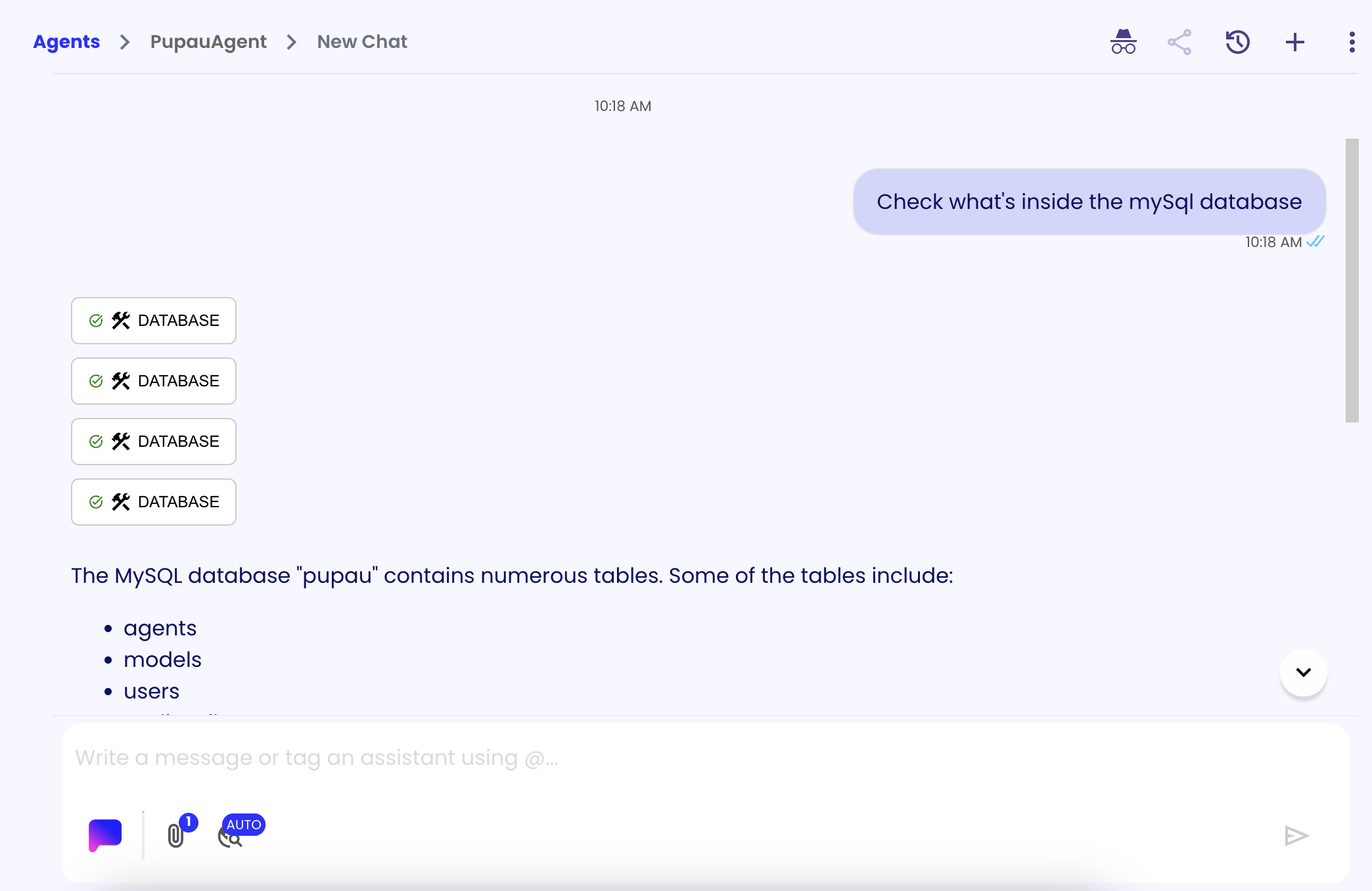
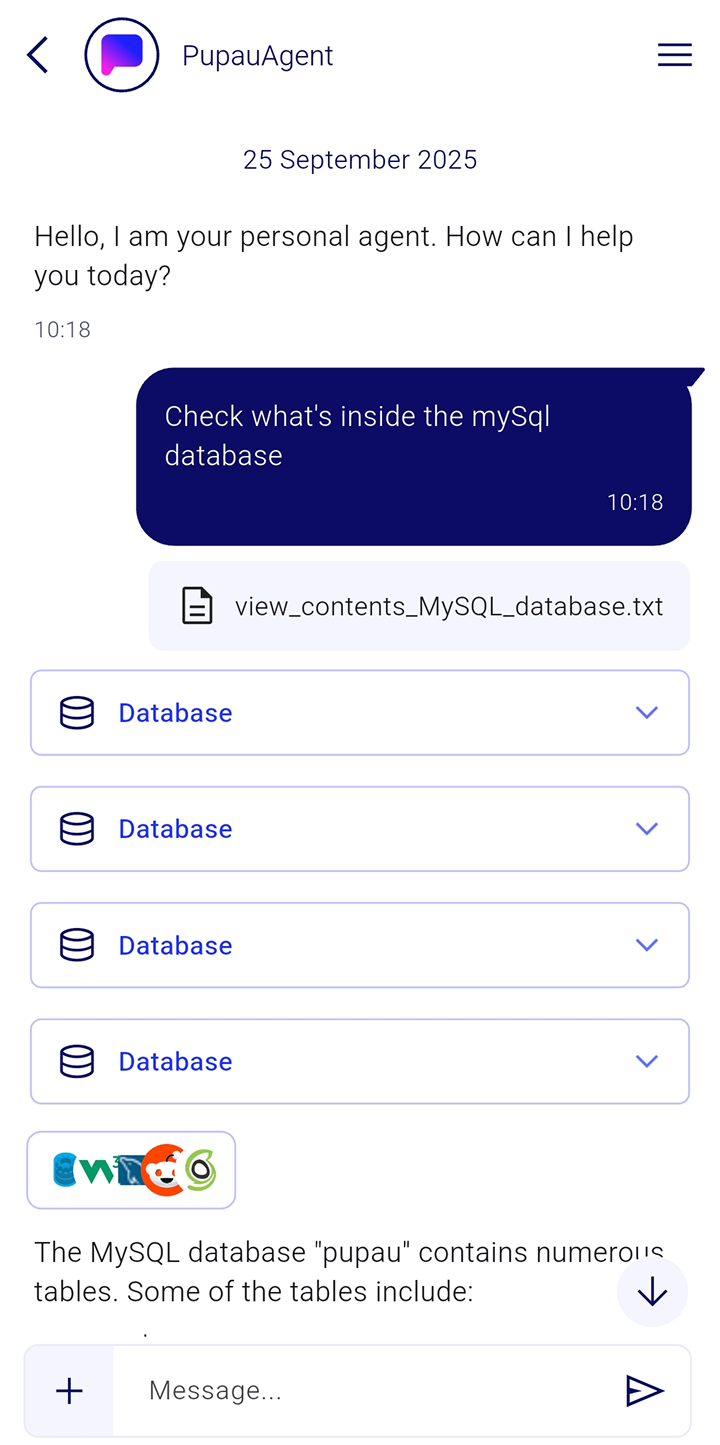
Parameters
This are the Tools Parameters. They can be configured as "static" during configuration of the tool or left as dynamic in order to let the llm to configure them.
| Name | Description | Possible Values | Required |
|---|---|---|---|
| query | The SQL query to execute | Any valid SQL query string | Yes |
| databaseType* | The type of database to use | 'mysql', 'mssql', 'postgres' | Yes |
| serverAddress* | The server address of the database | Any valid server address/hostname | Yes |
| serverPort* | The server port of the database | Any valid port number as string | Yes |
| databaseName* | The name of the database | Any valid database name string | Yes |
| credentials* | The database credentials | Username and password credentials. See Credentials documentation for details on creating and managing credentials | Yes |
*This fields needs to be configured manually, only query should be left for the agent to compile
When to use this tool
Use this tool when you want to give your agent the ability to connect to and query databases directly. This is particularly useful for:
- Data analysis and reporting: Execute complex SQL queries to analyze business data, generate reports, or extract insights from your database
- Real-time data access: Retrieve up-to-date information from your database to answer user questions or make data-driven decisions
- Database operations: Perform database maintenance tasks, update records, or manage data as part of automated workflows
- Integration with business systems: Connect your agent to existing databases to provide contextual information and enhance user interactions
The tool supports multiple database types (MySQL, MSSQL, PostgreSQL) and requires proper database credentials to establish secure connections.