Agent as a Tool
In Pupau you can set an agent as a target of a tool execution. This allows you to easily orchestrate agents through different long and complex tasks.
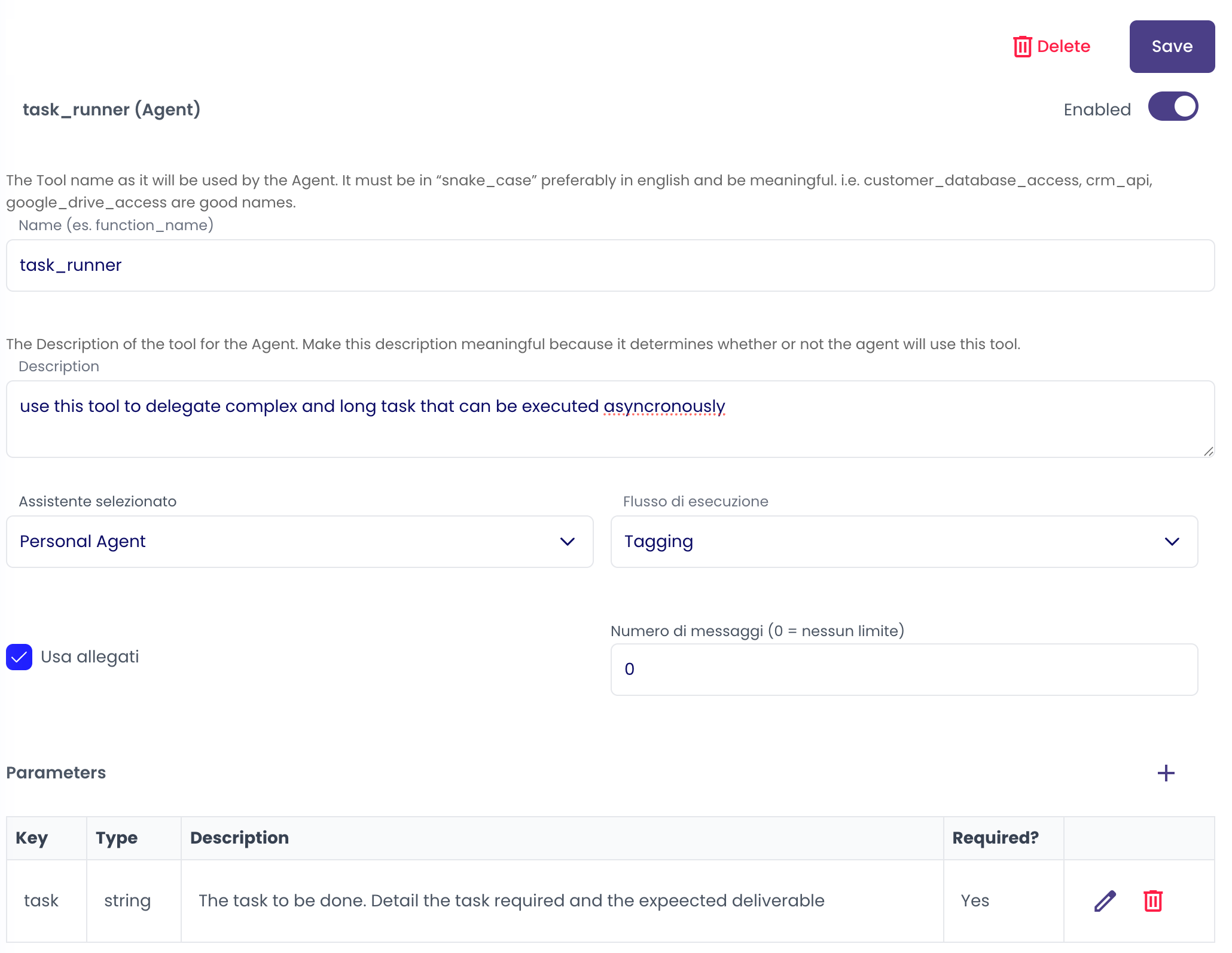
Setting an Agent as a Tool
As every Tool it is mandatory to assign a name and a description to the tool. You also need to set:
- Agent: Choose between the available agents the agent that will handle the request
- Mode: Choose between Tagging and Handover (see next chapter)
- Use Attachment: a flag that allows the target agent to read current conversation attachments
- Message Number: set how many messages of the conversation history the called agent can read. 0 means all of them
- Parameters: Set parameters you want to be passed to the called Agent. Use this i.e. to specify the parameters of the interaction
Execution Mode
While delegating a task to an agent you can choose between two different modes:
- Tagging
- Handover
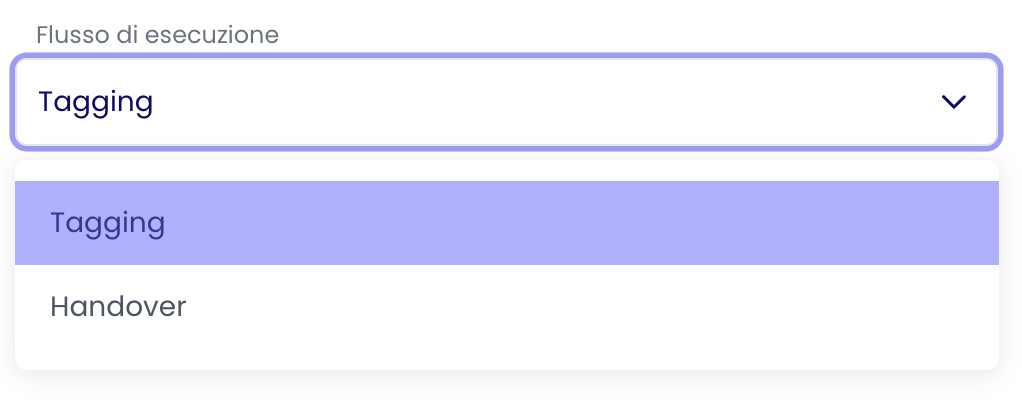
Tagging Mode
When an agent is called in Tagging mode, it is called to interact within the conversation and the caller agent will always reply after the called agent reply. In Tagging Mode:
- Agent A Tag Agent B
- Agent B Reply
- Agent A Reply
Use this mode to use a remote agent to give the caller agent information or to execute task the caller agent need to review or interact with
Handover Mode
When an agent is called in Handover mode, the task is handed over to it. The called agent needs to complete the interaction and give a complete output to the user In Handover Mode:
- Agent A Invoke Agent B
- Agent B Reply, there is no automatic interaction with Agent A
Use this mode to delegate a remote agent a task without need for the invoker agent to review the output