Tool Use
Overview
Tool Use implements the function-calling pattern, transforming your Pupau Assistant into an Agent, a complete digital professional.
From web search to file manipulation, from managing Git repositories to accessing remote databases, each tool amplifies the capabilities of your assistant. Manage FTP connections, analyze documents and, for specific needs, create and host your own custom tools. Easily set up the necessary tools and watch your Agent become an even more effective ally.
Creation and Configuration page
Let's start by opening the Tool Use creation page. First of all navigate inside your assistant configuration page, and then inside the Tool Use tab.
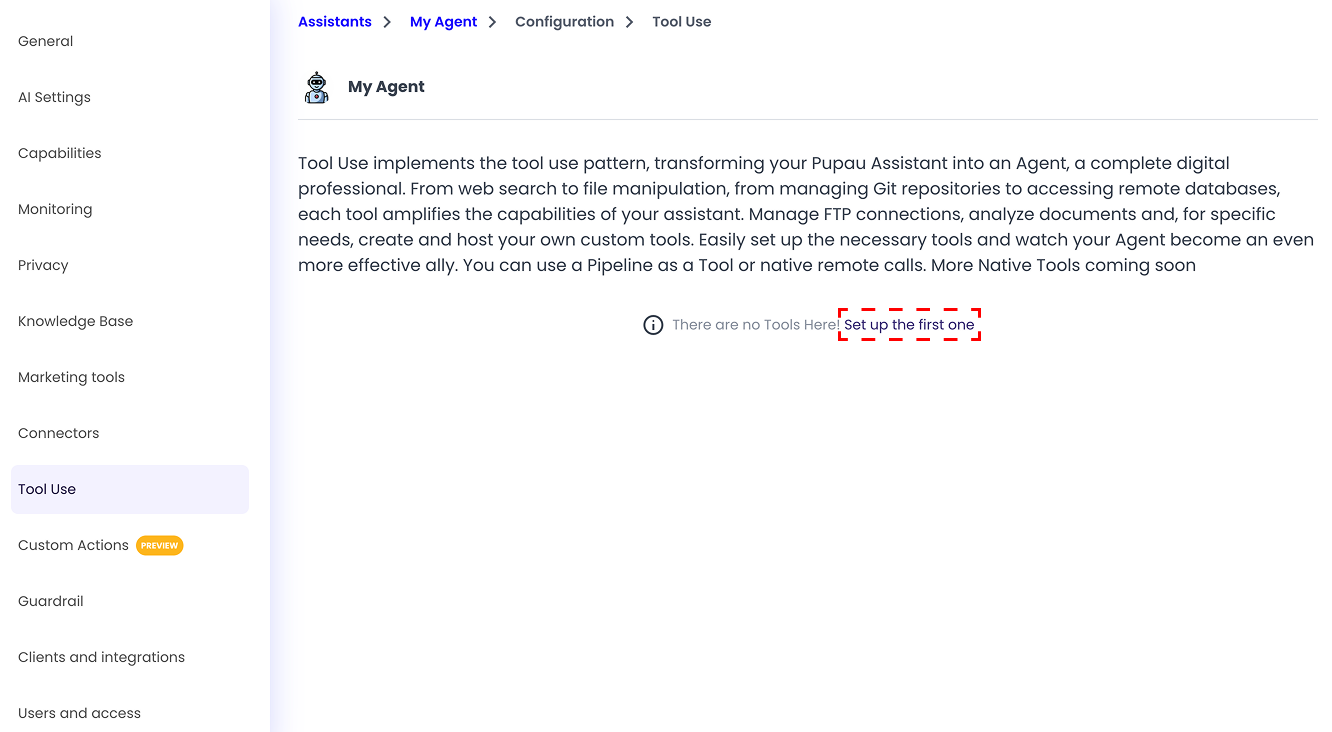
If it's your first Tool Use, you will see a text prompting you to set up your first tool use, click on the text to start!
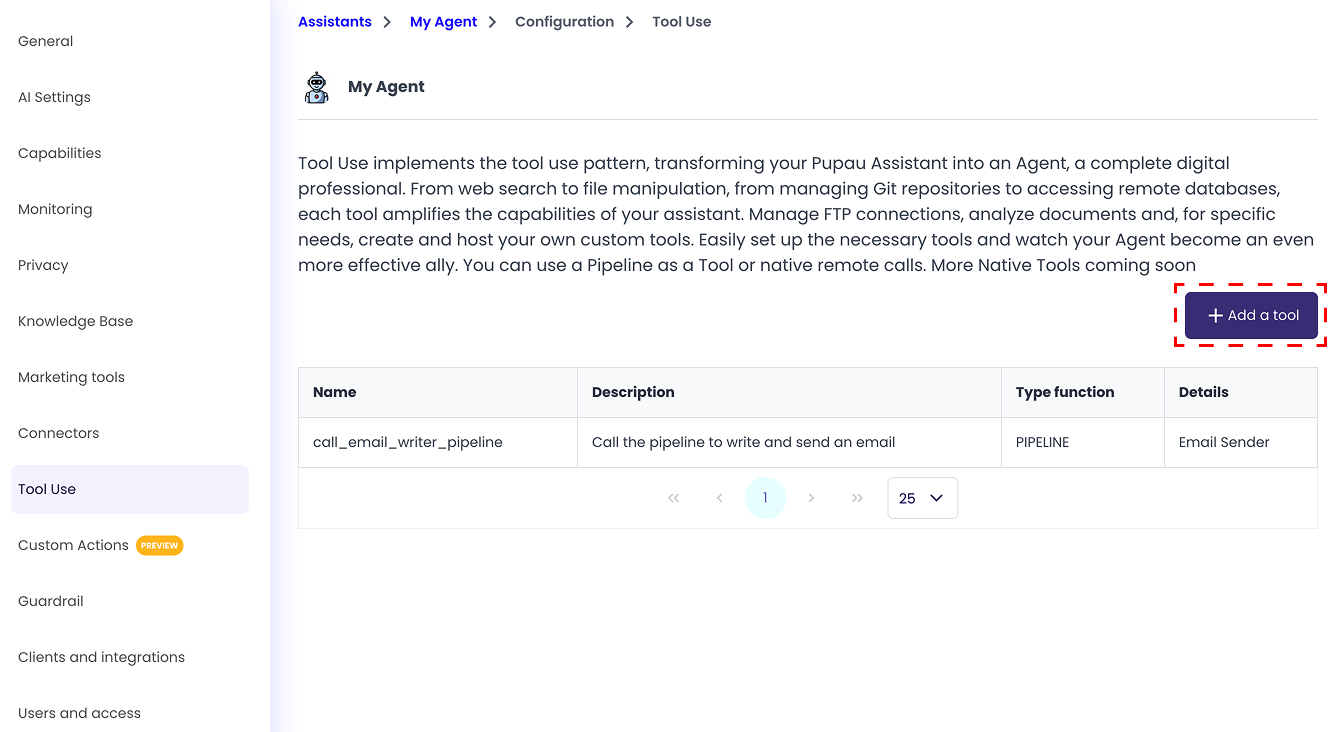
If you already have one or more Tool Uses set up, you will see an 'Add a tool' button on the right side of the screen.
Name and Description
The name and description fields are required for all type of Tool Uses.
The name field must be in "snake_case" (only lowercase letters and underscores) and it should be meaningful because it will be used by the Agent to understand when to use this tool.
The description field should also be meaningful because the Agent will use this information to know when to use this tool.
Tools
Afterwards there will be the Tool Use type selection. Choose the one you want to configure and follow its specific guide for more information.
These are the available tool uses:
Coming soon:
- Agent
- Actor
- MPC
Using a Tool Use
The execution of your Tool Use will be triggered automatically by the user prompt, if the name and description of the Tool Use are configured correctly: meaningful and understandable for the assistant.
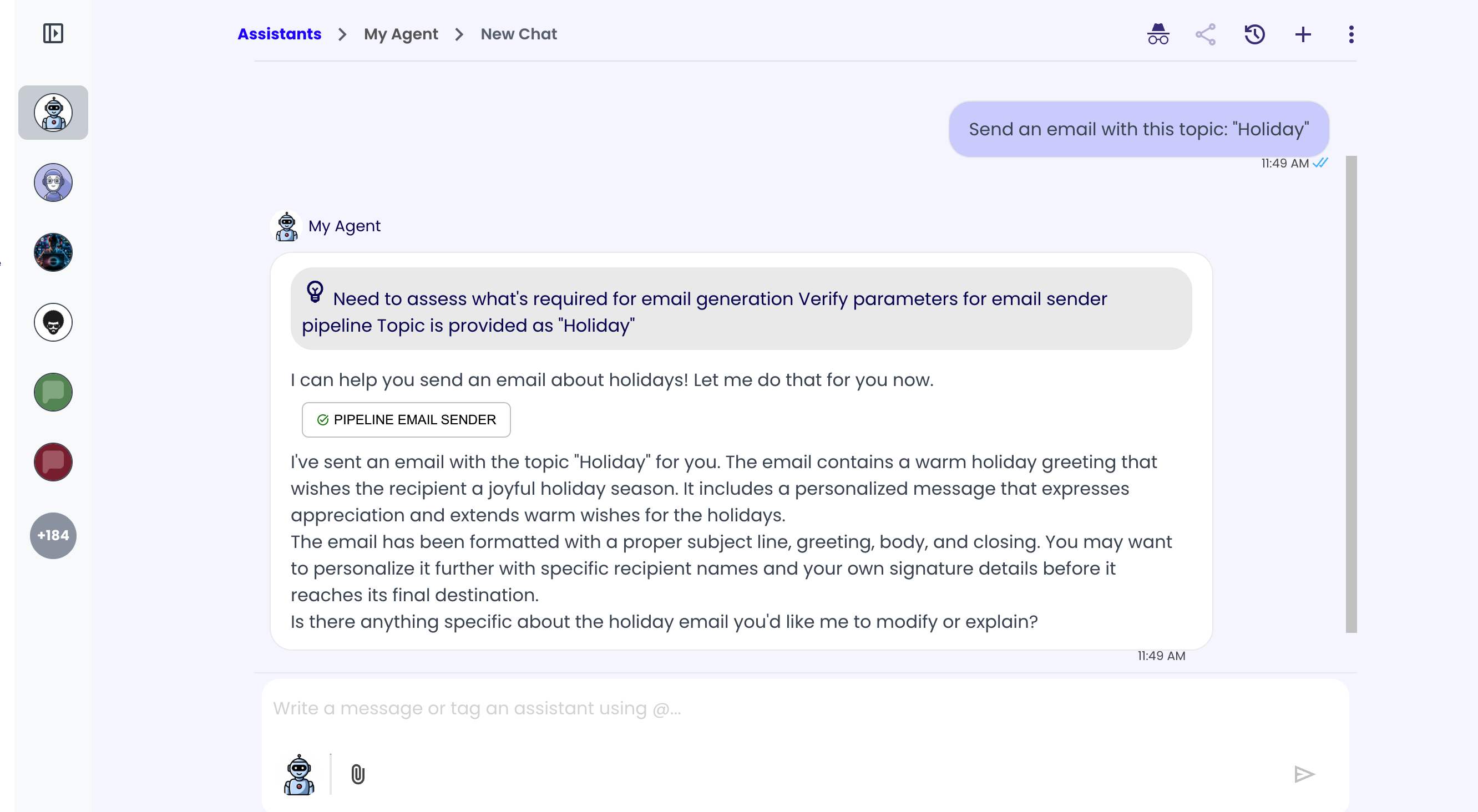
In this example the user asks to send an email with a specific topic, triggering a Tool Use named "pipeline_email_sender" with this description: "Call this pipeline to generate and send an email about the specified topic".