Todo List Tool
This tool is useful when you want your agent to have organizational capabilities and help break down complex goals into manageable tasks and systematically complete them. It is also central in order to configure the Agent Loop. When Agent mode is On and there is a Todo List the platform will force the agent to iterate on the todolist until finished. See Agent Settings for more info
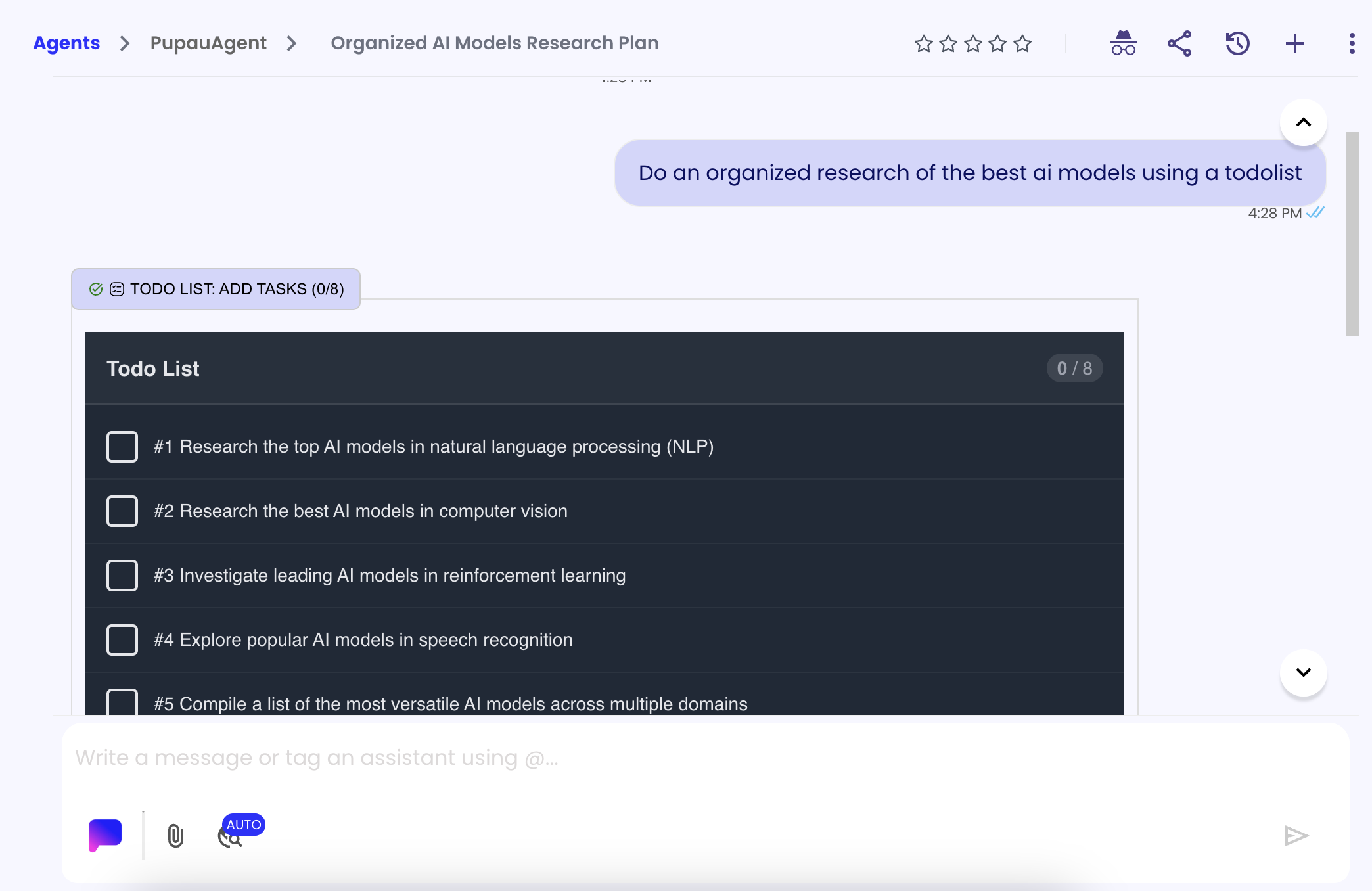
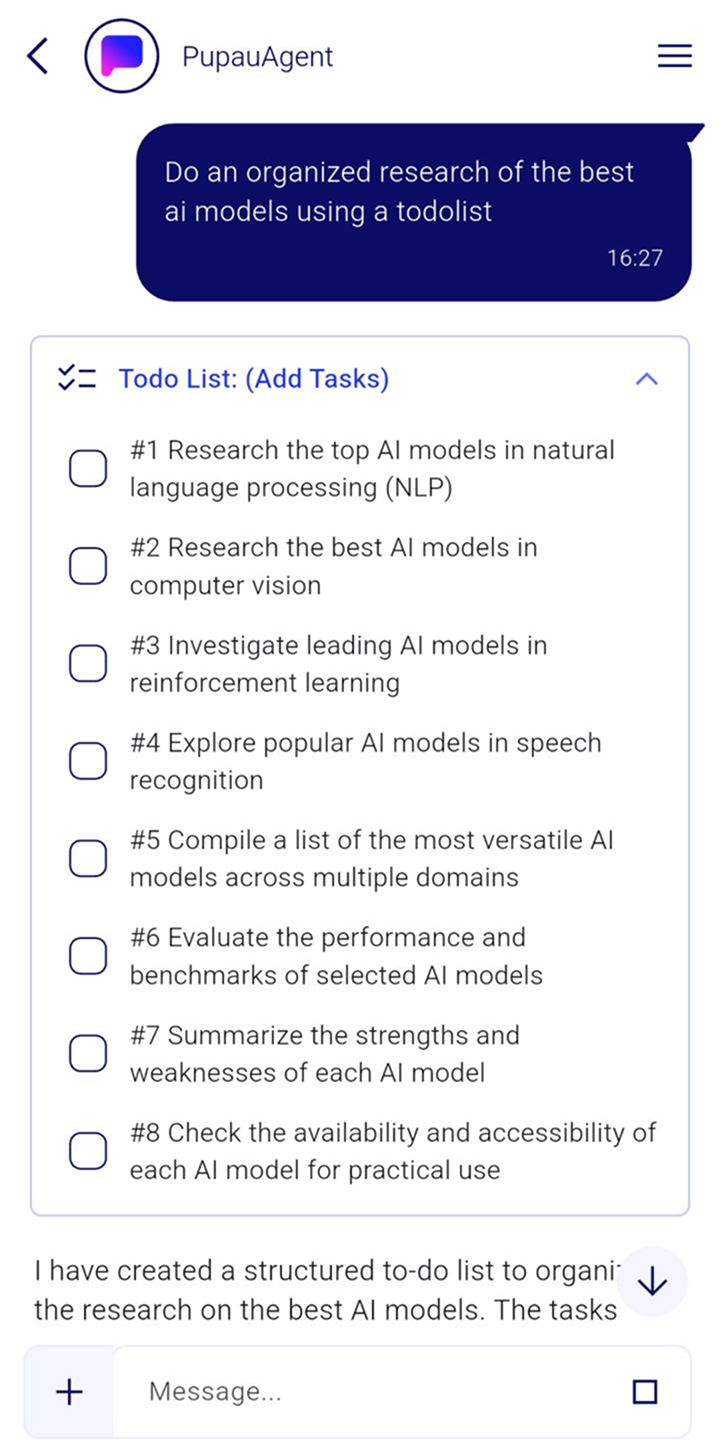
Parameters
This are the Tools Parameters. They can be configured as "static" during configuration of the tool or left as dynamic in order to let the llm to configure them. Agent Settings
| Name | Description | Possible Values | Required |
|---|---|---|---|
| action | The action to perform on the todolist | 'LIST' (list all items), 'ADD_TASKS' (add multiple items), 'ADD_TASK' (add a new task), 'SET_ITEM_DONE' (set an item as done), 'SET_ITEM_NOT_DONE' (set an item as not done) (default: 'LIST') | Yes |
| actionParameter | The parameters for the specific action | Empty string for 'LIST', array of strings for 'ADD_TASKS', string for 'ADD_TASK', number for 'SET_ITEM_DONE' or 'SET_ITEM_NOT_DONE' | Yes |
| todoList | A predefined todo list that can be passed as a starting point | List of tasks to be done | No |
When to use this tool
Use this tool when you want to give your agent advanced task management and organizational capabilities and Formal control over the Agent Loop. This is particularly useful for:
- Project management: Break down complex projects into manageable tasks, track progress, and ensure systematic completion
- Workflow automation: Create automated task sequences, manage dependencies, and coordinate multi-step processes
- Personal productivity: Help users organize daily tasks, set priorities, and maintain focus on important activities
- Team coordination: Manage shared task lists, assign responsibilities, and track team progress on collaborative projects
- Goal achievement: Structure long-term goals into actionable steps and track progress toward objectives
- Event planning: Organize event preparation tasks, manage timelines, and ensure nothing is overlooked
- Learning and education: Structure learning objectives, track study progress, and manage coursework or training programs
- Business process management: Automate routine business tasks, manage approval workflows, and track operational activities
- Quality assurance processes: Create testing checklists, manage review processes, and ensure compliance with standards
- Customer service workflows: Manage support tickets, track issue resolution, and ensure timely customer follow-ups
The tool supports comprehensive task lifecycle management including listing, creating single or multiple tasks, status tracking (done/not done), and intelligent task prioritization for enhanced productivity and organization.