Database Tool Integration
Configure credentials for the Database Tool to connect to PostgreSQL, MySQL, or MSSQL (SQL Server) databases.
Learn more about the Database Tool in the Native Tools documentation.
Prerequisites
- Database server hostname or IP address
- Database port number
- Database name
- Database username and password
- An assistant with Tool Use configuration access
Setup Steps
- Navigate to your assistant's Tool Use configuration
- Configure the Database tool for connecting to databases
- In the Database tool configuration, you'll see the field for
credentials
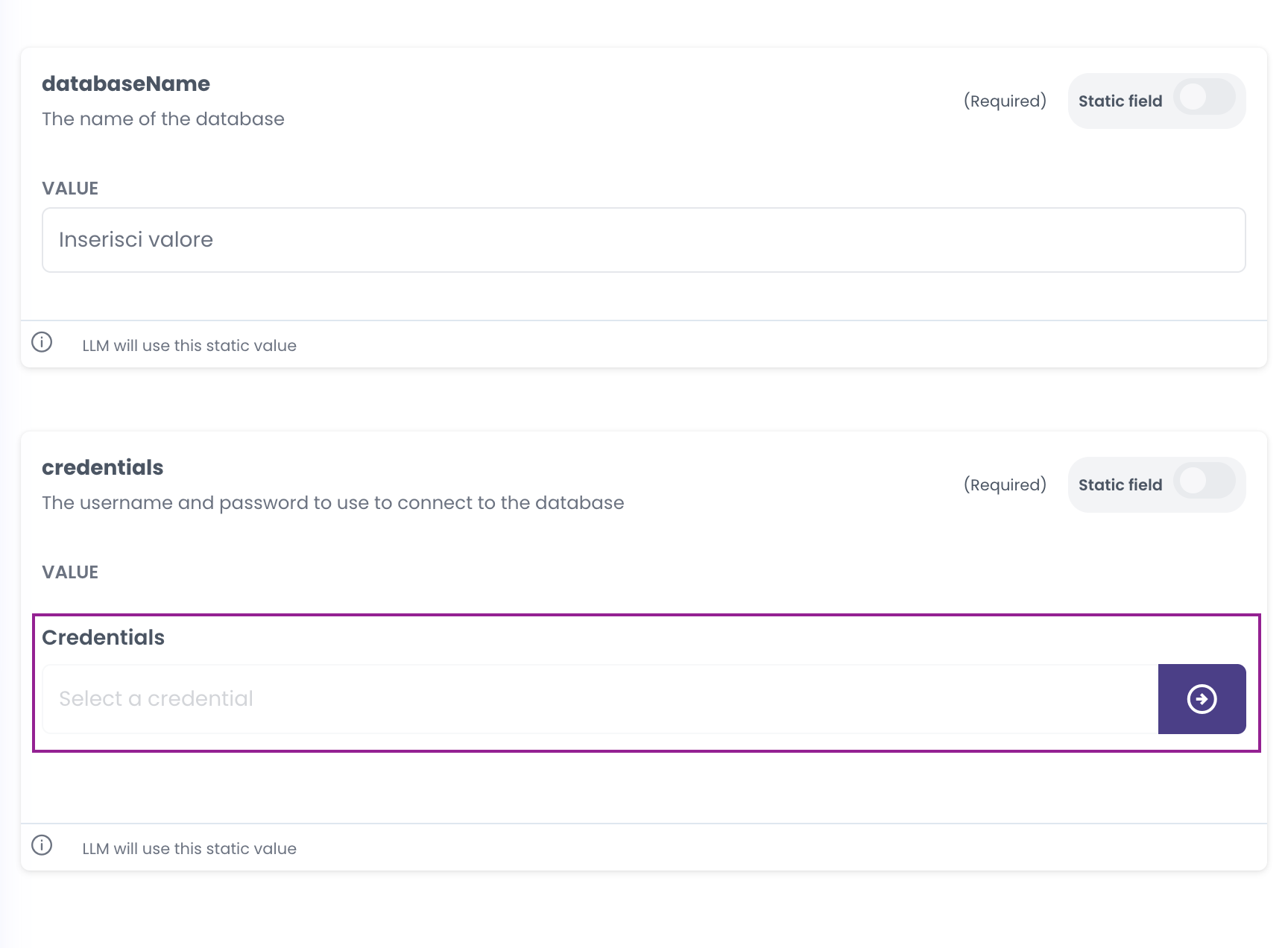
- Click on the credentials field to select or create a credential. If you don't have any credentials yet, you'll see a message prompting you to create one
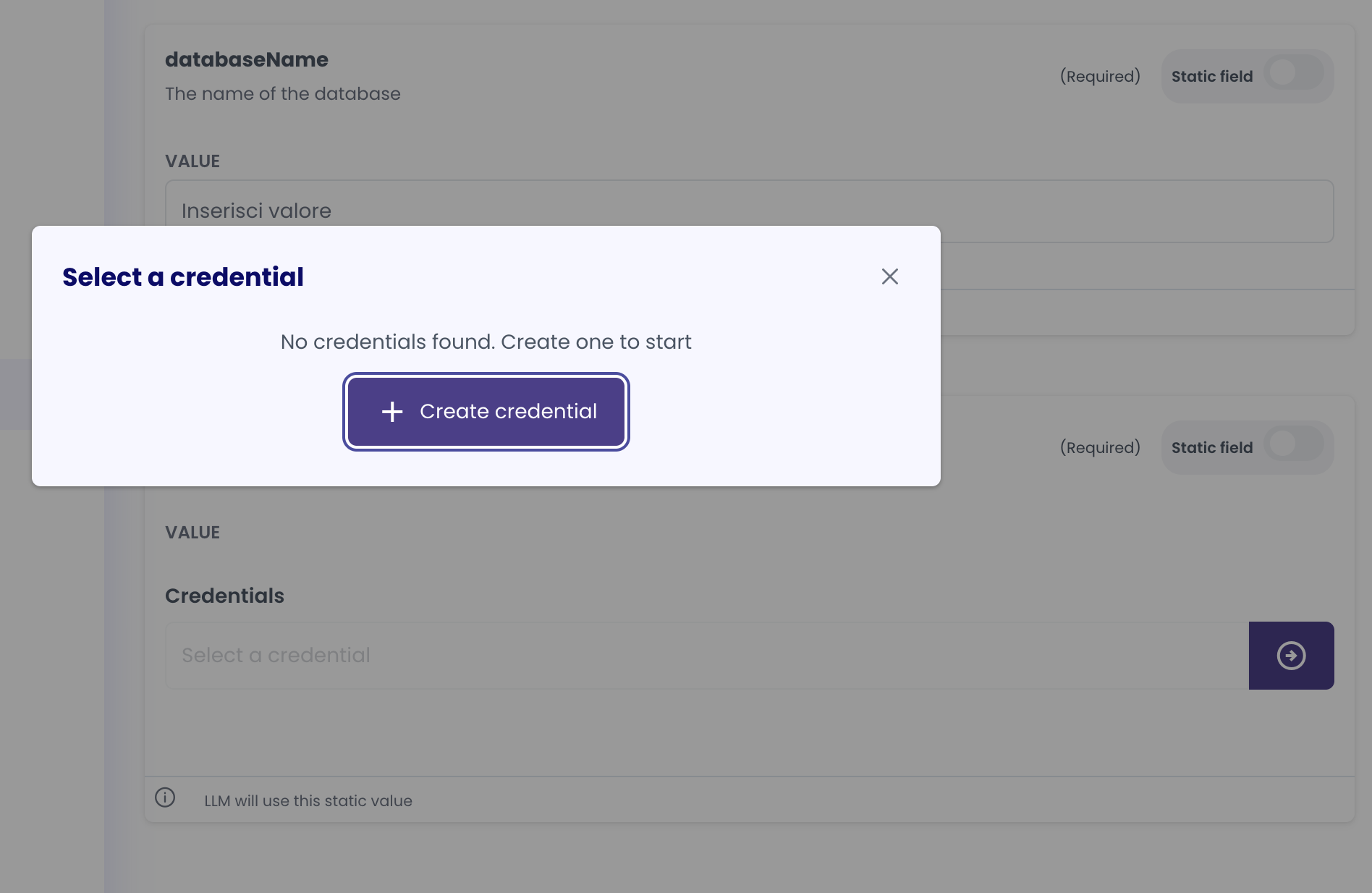
- Click "Create credential" to open the credential creation modal. Fill in the credential details:
- Label: Enter a descriptive name (e.g., "Personal Postgres DB")
- Scope: Select "User" or "Company" (see Personal vs Organization Scopes Comparison for guidance)
- Username: Enter your database username
- Password: Enter your database password
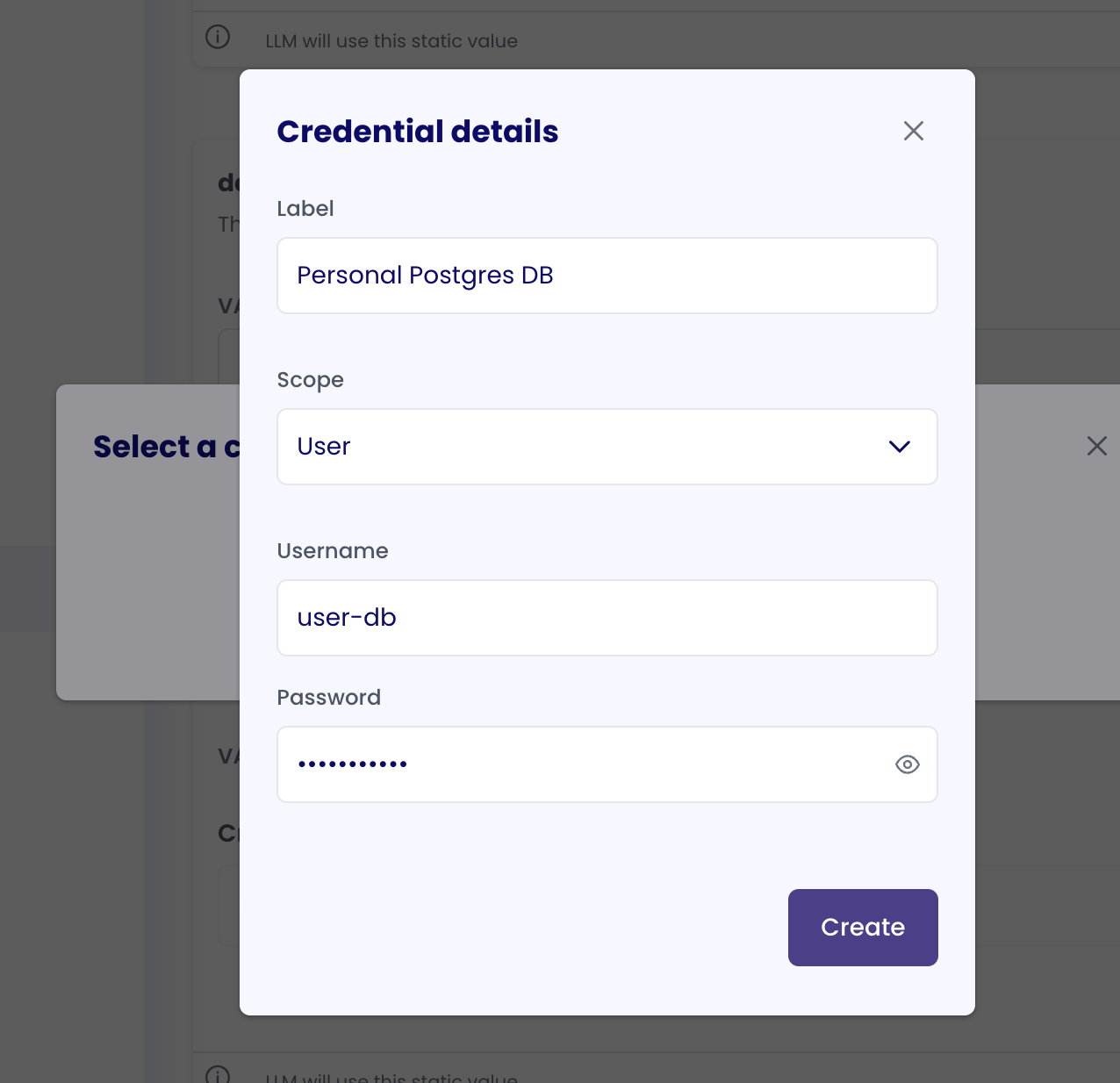
- Click "Create" to save the credential. The credential will now appear as selected in the credentials field
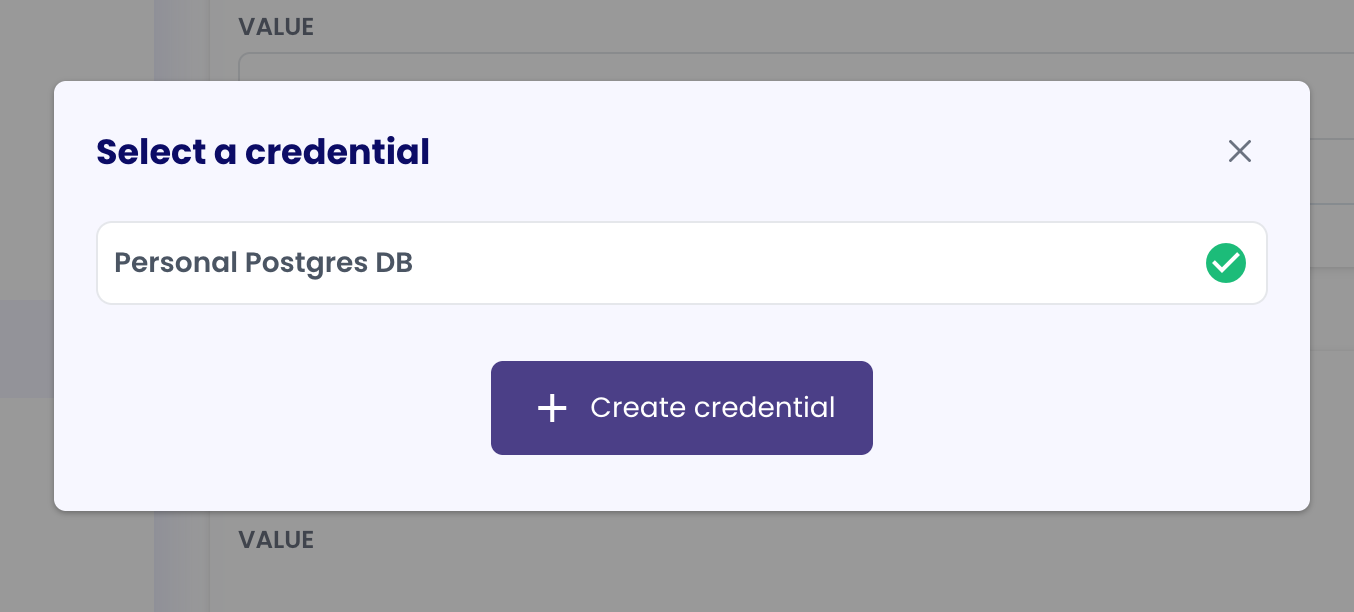
- Configure the database connection settings:
- Host: Database server hostname or IP address
- Port: Database port number
- Database name: Name of the database to connect to
- Database type: Select PostgreSQL, MySQL, or MSSQL (SQL Server)
- The Database tool will use this credential to connect to the database when invoked
Credential Details
- Credential Type: Username/Password
- Supported Services: PostgreSQL, MySQL, MSSQL (SQL Server)
- Token Refresh: Not applicable
- Scope: Can be Personal (
USER) or Organization (COMPANY) - see Personal vs Organization Scopes Comparison for guidance
Notes
- The credential is linked to both the agent that uses the tool and the specific Database tool configuration
- For updating credentials, you'll need to create a new credential and update references in your tool configuration
- Test the connection after setup to ensure proper access