Home Widget Android
Overview
The Pupau home widget for Android allows you to quickly access your AI agents directly from your home screen.
You must be logged into the Pupau app to use the home widget functionality.
Adding the Widget
Step 1: Access Widget Options
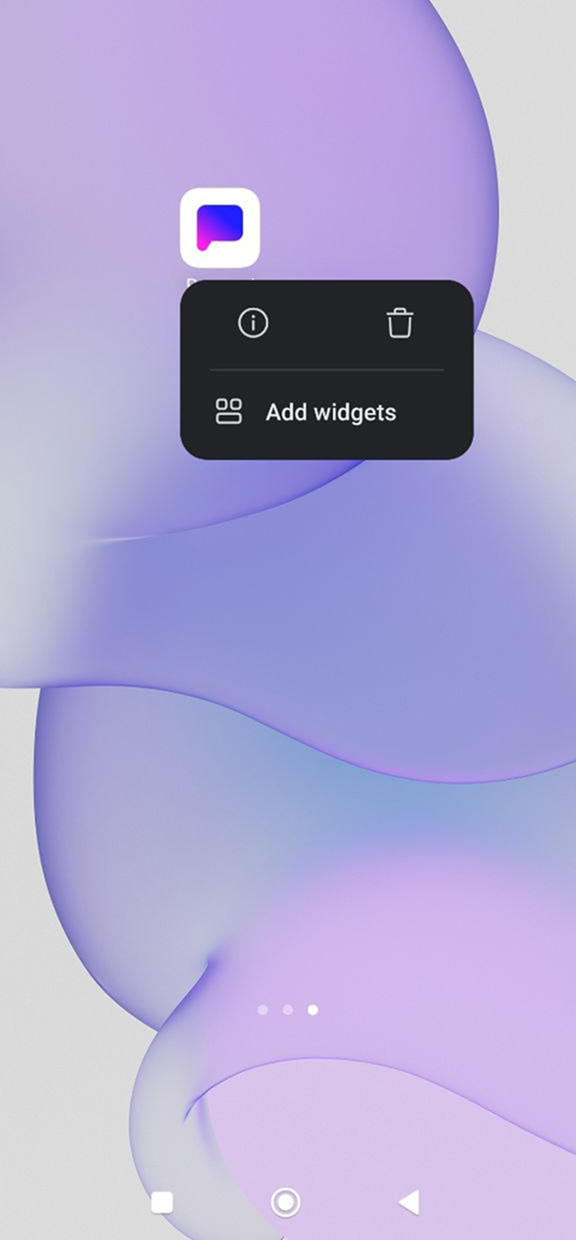
Long press on the Pupau app icon on your home screen until a menu appears, then tap the "Add widgets" button.
Step 2: Choose Widget Size
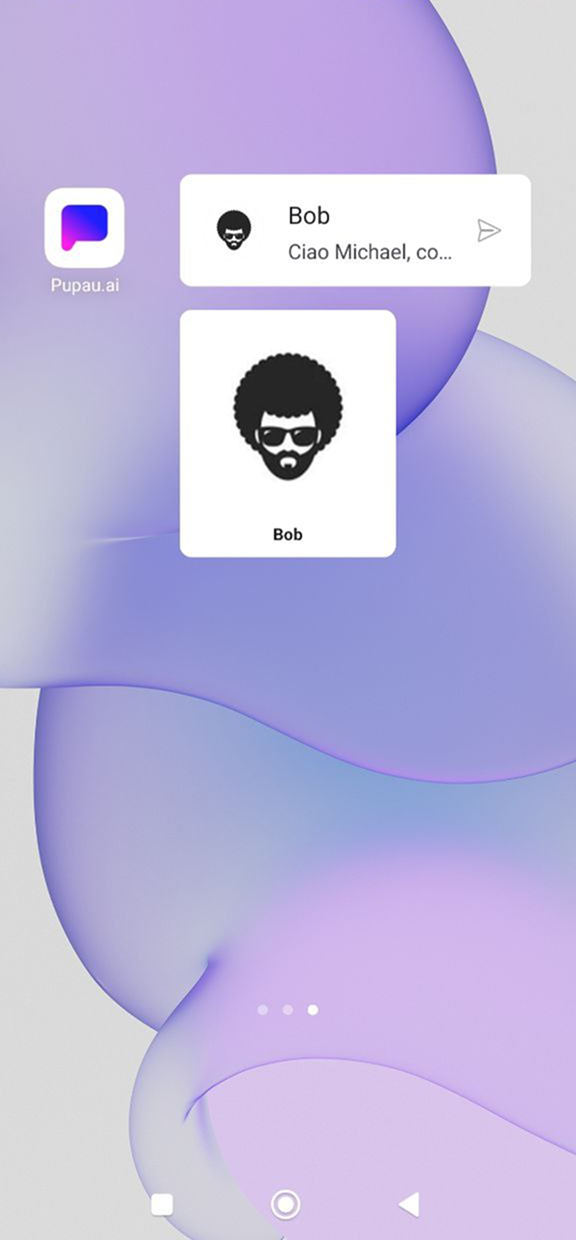
The widget comes in two preset sizes:
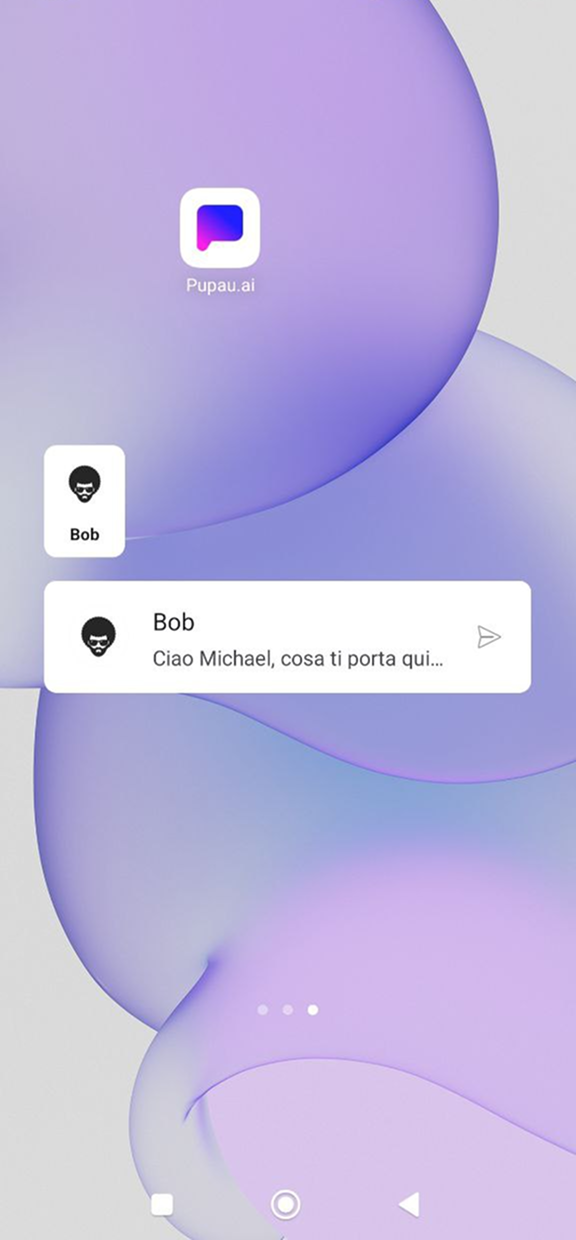
- 1x1 - Compact avatar style widget
- 4x1 - Wide chat style widget
Select your preferred size and place the widget on your home screen.
Step 3: Select an Agent
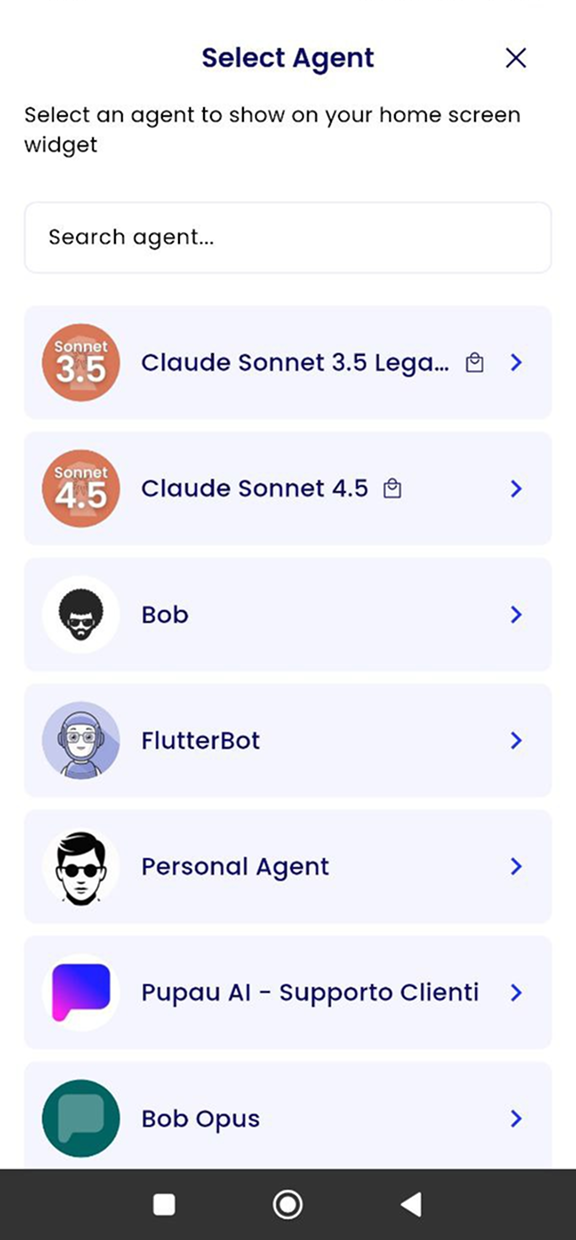
After tapping "Add widgets", you'll see a list of your available agents. Choose the agent you want to add to your home screen by tapping on it.
After tapping the agent, it will show up on your home screen.
It's also possible to set multiple widgets with different agents, so that you can have all your favorite agents ready to use.
Resizing the Widget
Flexible Sizing
After placing the widget on your home screen, you can resize it to fit your preferences.
The widget adapts dynamically between avatar style and chat style modes as you resize it.
Using the Widget
Starting a Conversation
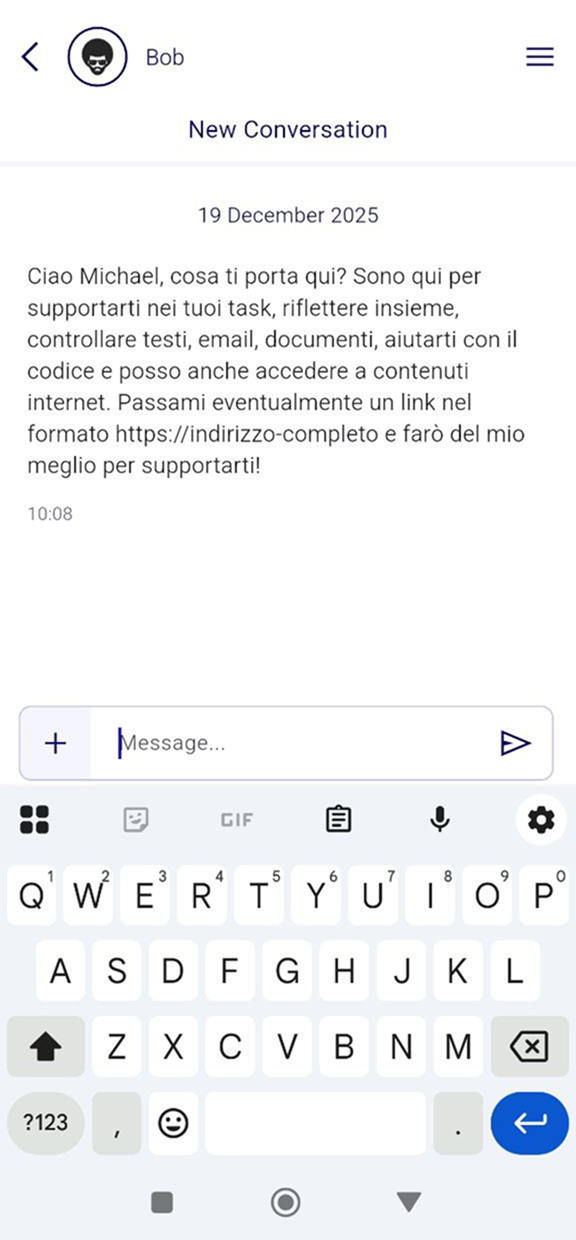
Simply tap on the widget to open a chat with your selected agent. The conversation will launch directly in the Pupau app.