P.A.N.D.A Tool Integration
Configure API key credentials for the P.A.N.D.A Tool to authenticate with P.A.N.D.A tools.
Prerequisites
- P.A.N.D.A API key
- An assistant with Tool Use configuration access
Setup Steps
- Navigate to your assistant's Tool Use configuration
- Configure the P.A.N.D.A tool and locate the "credentials" parameter in the tool parameters section
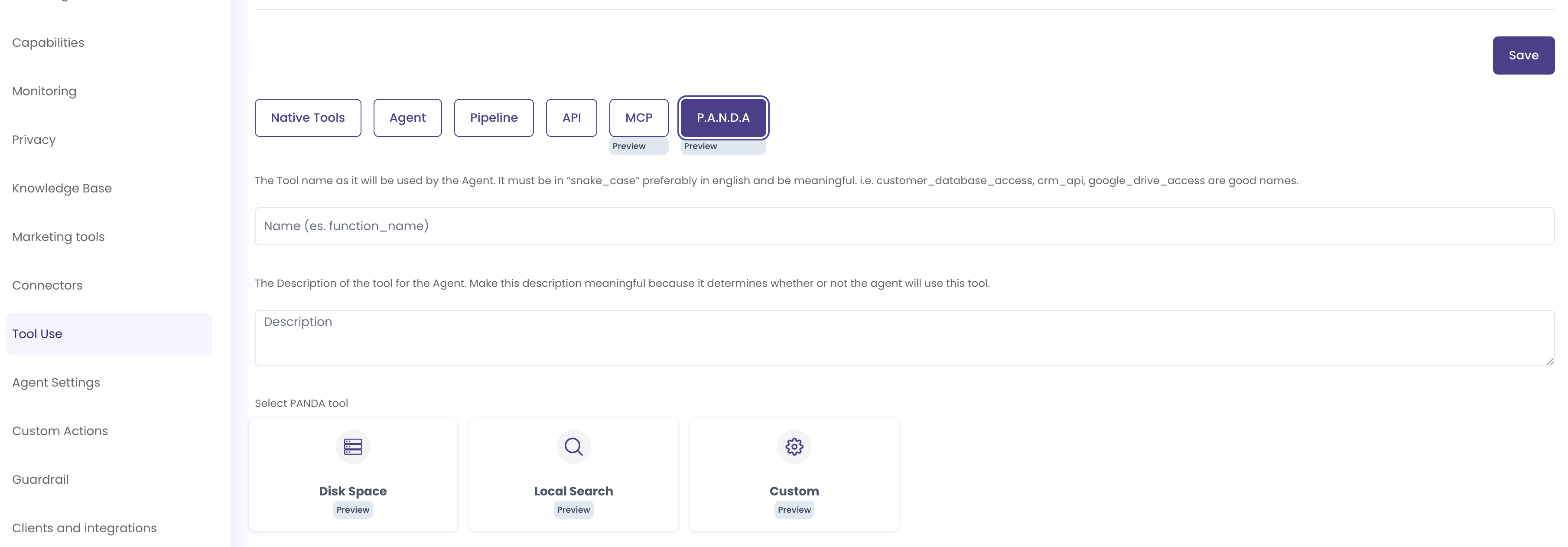
- Click on the credential field to select or create an API key credential. If you don't have any API key credentials yet, you'll see a prompt to create one
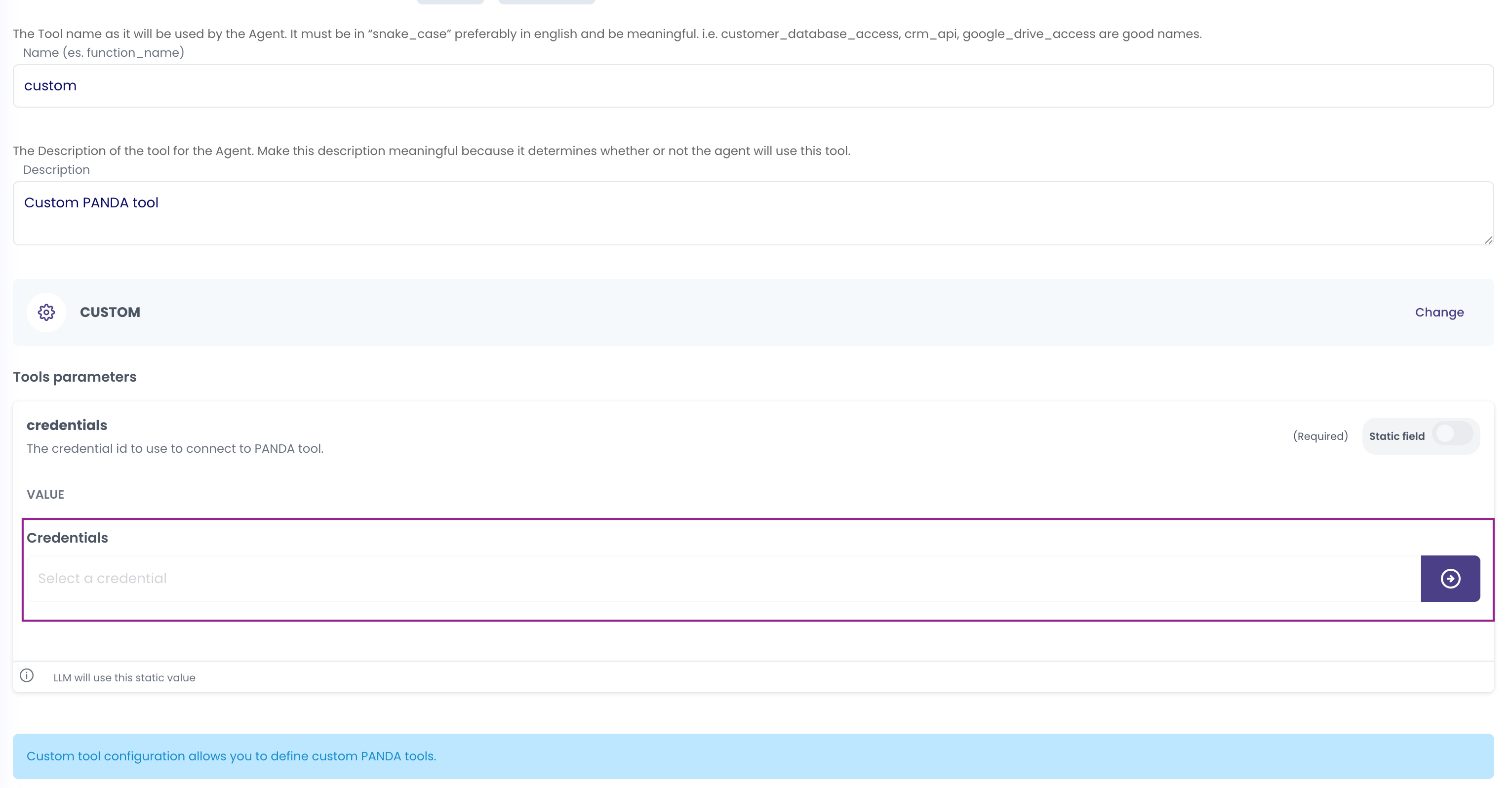
- Click "+ Create credential" to open the credential creation modal. Fill in the credential details:
- Label: Enter a descriptive name (e.g., "P.A.N.D.A API KEY")
- Scope: Select "User" or "Company" (see Personal vs Organization Scopes Comparison for guidance)
- API Key: Enter your P.A.N.D.A API key (the value will be masked for security)
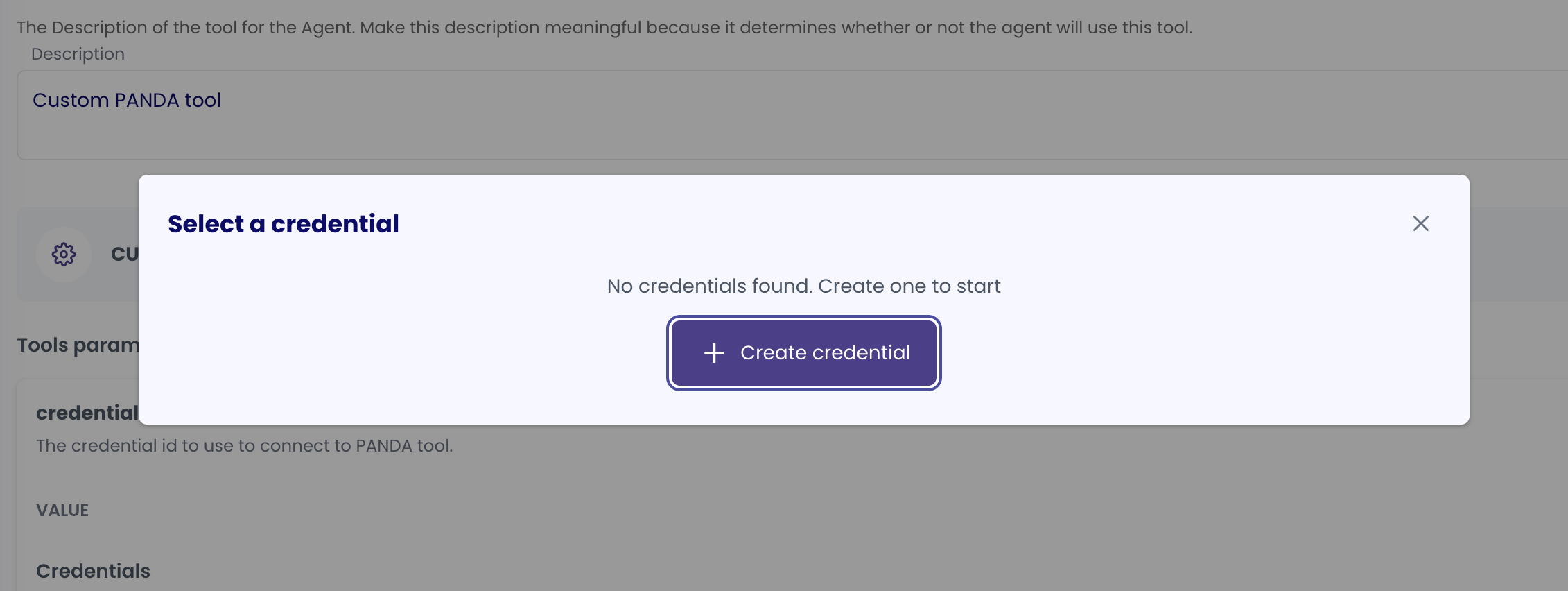
- Click "Create" to save the credential. The credential will now appear as selected in the credentials field
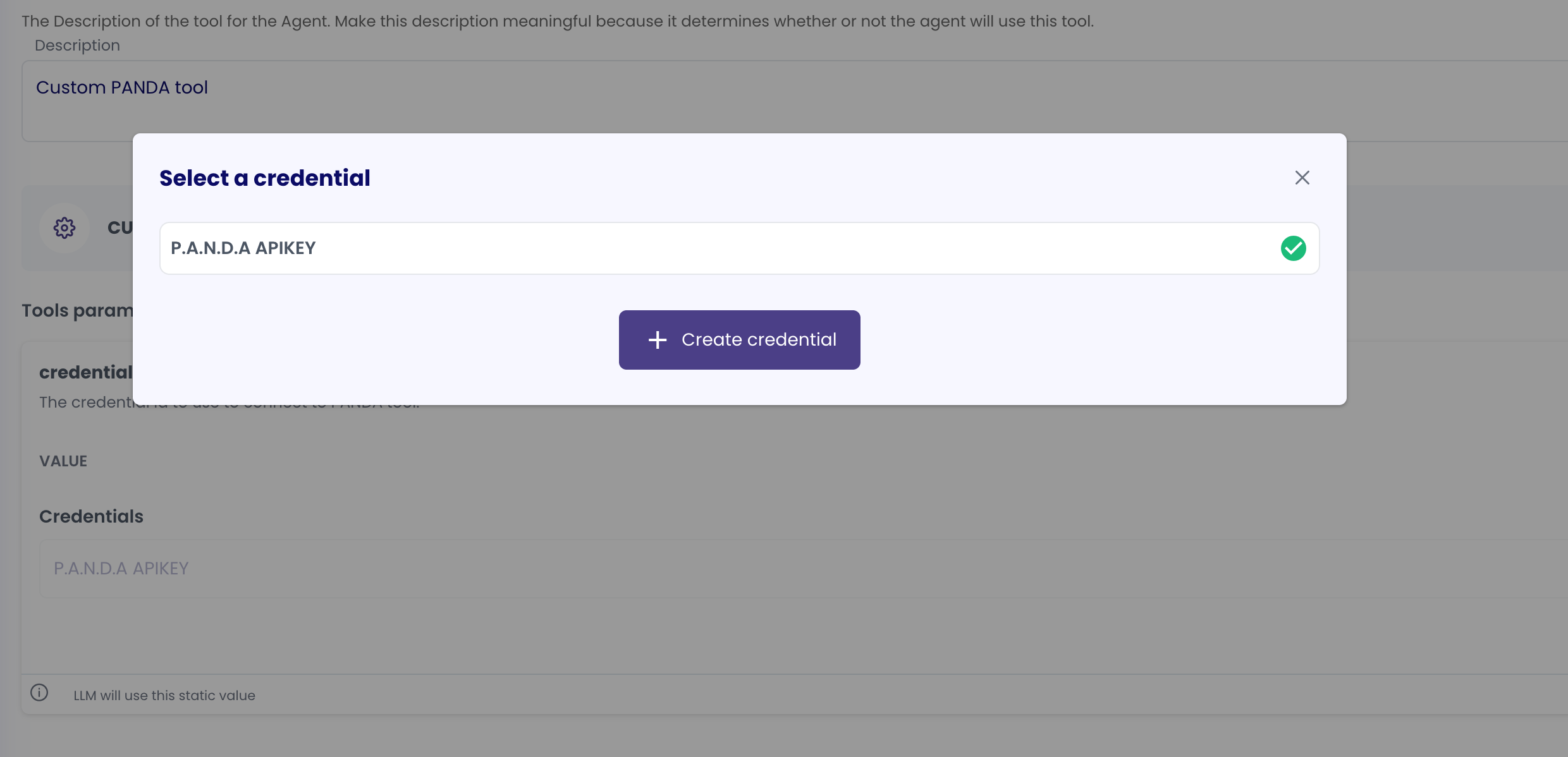
- The P.A.N.D.A tool will use this API key credential to authenticate when invoked by the agent
Credential Details
- Credential Type: API Key
- Supported Services: P.A.N.D.A tools
- Token Refresh: Not applicable
- Scope: Can be Personal (
USER) or Organization (COMPANY) - see Personal vs Organization Scopes Comparison for guidance
Notes
- The credential is linked to both the agent that uses the tool and the specific P.A.N.D.A tool configuration
- For updating credentials, you'll need to create a new credential and update references in your tool configuration
- API keys are masked in the UI for security purposes
- Regularly review and rotate API keys as part of security best practices