Mermaid Tag
Overview
The Mermaid Tag is a tag that allows the assistant to output a mermaid diagram.
To know more about mermaid diagrams, please refer to the Mermaid website.
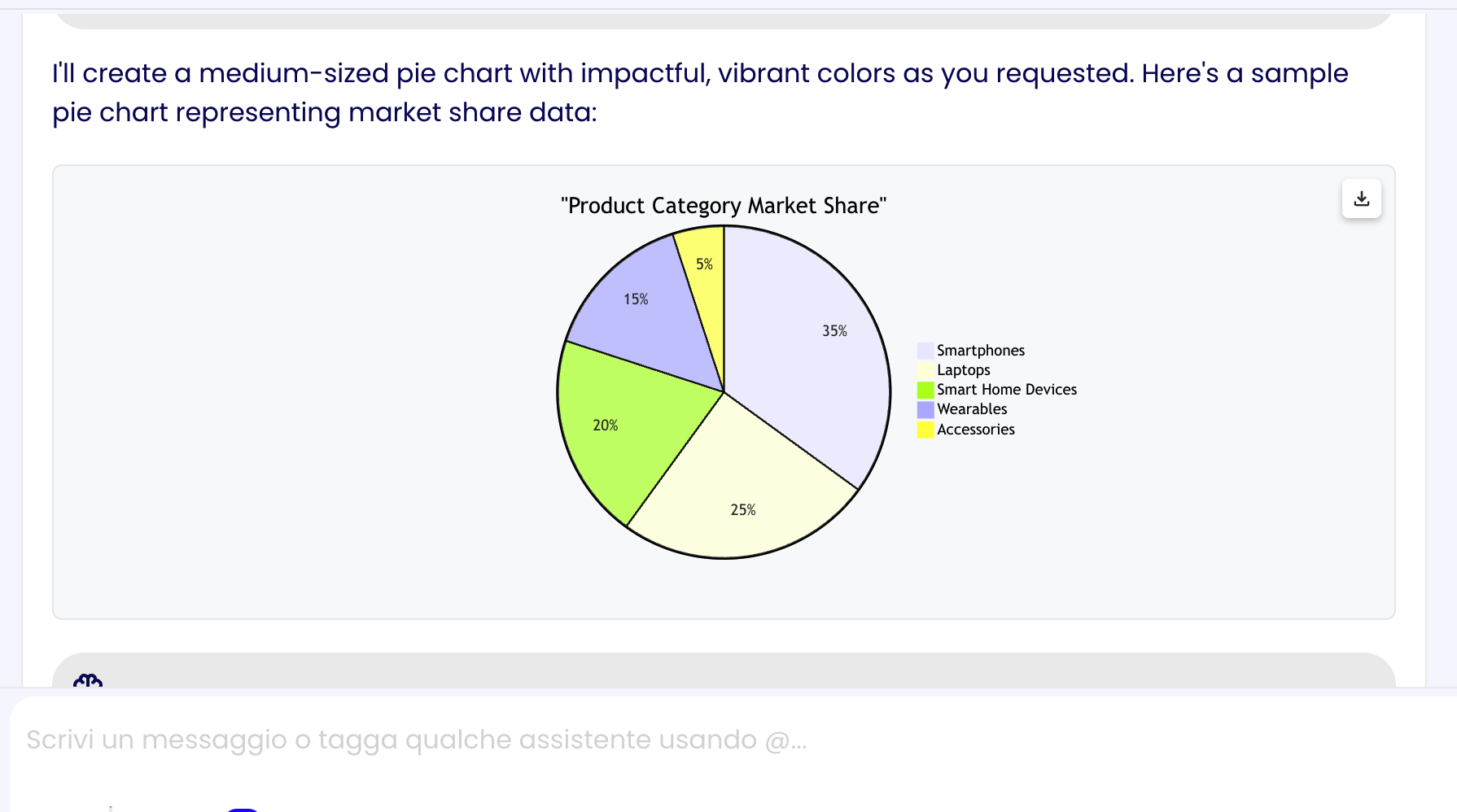
Tag Structure
The Mermaid Tag can use any mermaid diagram code.
<mermaid-graph title="My Graph">
graph TD
    A[Start] --> B{Is it?}
    B -->|Yes| C[OK]
    C --> D[Return]
</mermaid-graph>
Usage Example
To implement the Mermaid Tag you could, for example, add the following instructions to the assistant's system prompt in the assistant's AI Settings:
## Mermaid Usage Info
- Use the <mermaid-graph> tag to generate mermaid diagrams when needed, you can use it when the context makes sense or when asked to generate a diagram by the user
- For the graph title generate a fitting title that explains the graph information and/or purpose
- Follow this structure:

<mermaid-graph title="Here goes the graph title">
  Here goes the mermaid code
</mermaid-graph>

<mermaid_example>
<mermaid-graph title="My Company Organization">
graph TD;
    A-->B;
    A-->C;
    B-->D;
    C-->D;
</mermaid-graph>
</mermaid_example>

<mermaid_example>
<mermaid-graph title="My Demo Gantt">
gantt
    dateFormat YYYY-MM-DD
    section Section
        A task          :a1, 2014-01-01, 30d
        Another task    :after a1, 20d
    section Another
        Task in Another :2014-01-12, 12d
        another task    :24d
</mermaid-graph>
</mermaid_example>
To know more about the assistant's AI Settings, please refer to the AI Settings page.