Map Tag
Overview
The Map Tag is a tag that allows the assistant to output a map of a specific location or address.
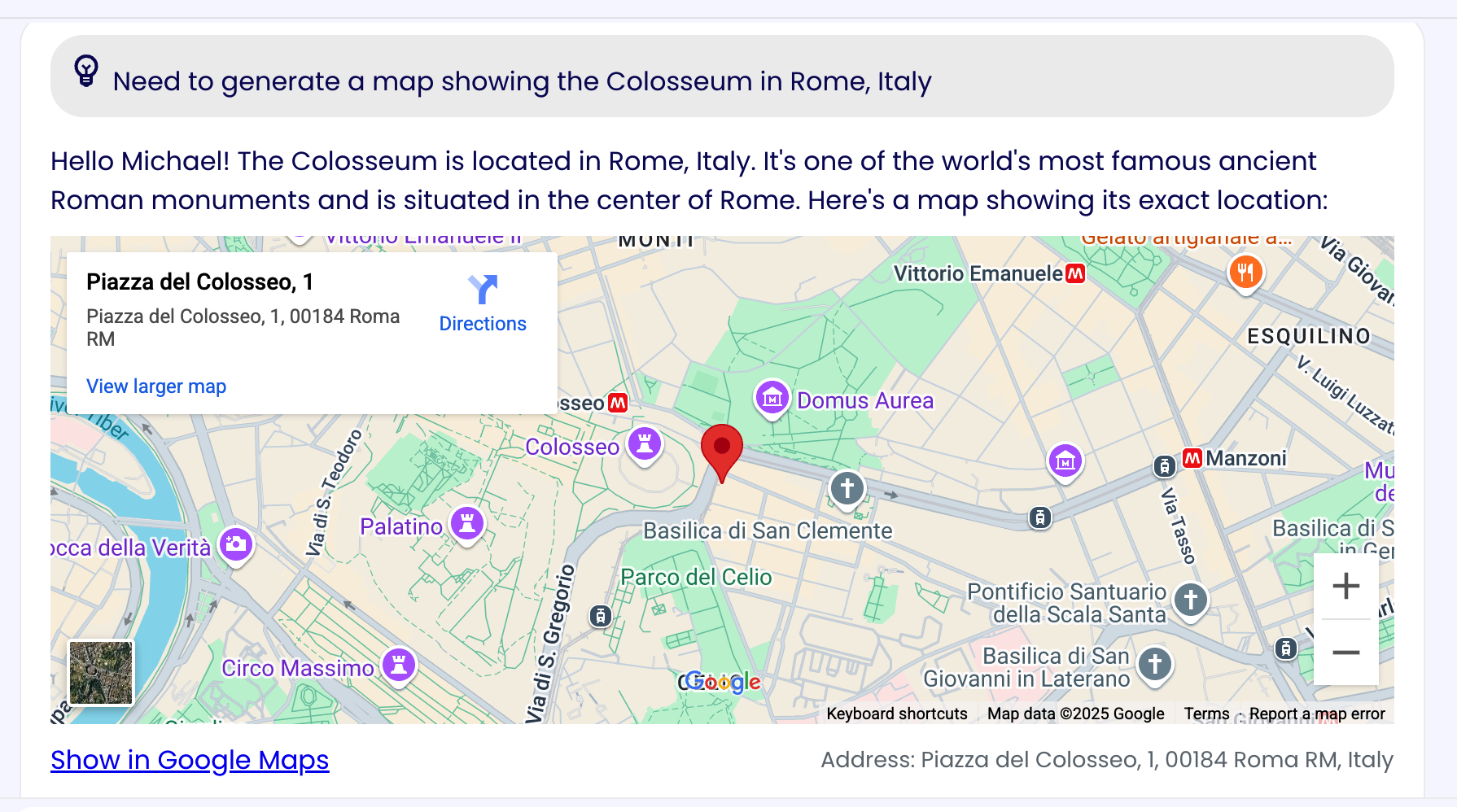
Tag Structure
The Map Tag can be used in two ways:
- By providing the latitude and longitude of the location.
- By providing the address of the location.
<map lat="32" long="54"></map>
<map address="Via San Domenico 28 Torino, Italy"></map>
Usage Example
To implement the Map Tag you could, for example, add the following instructions to the assistant's system prompt in the assistant's AI Settings:
## Map Usage Info
- Use the <map> tag to generate google maps when needed, you can use it when the context makes sense.
- Use cases:
  - When the user asks for a map of a specific location or address
  - When the context includes traveling
  - When the context includes a map
- Use only one of the following types for each map:
  - "lat" and "long" for latitude and longitude
  - "address" for a full address
- Follow this structure:
<map lat="32" long="54"></map>
<map address="Via San Domenico 28 Torino, Italy"></map>
To know more about the assistant's AI Settings, please refer to the AI Settings page.