Get Pipeline API Key
Obtaining the API Key
An API Key is needed in order to authenticate the request that are coming from your application. Getting it is a straightforward process:
- Log in to your Pupau Web App account.
- Navigate to the "Pipelines" tab on the left sidebar.
- Click on the pipeline you want the API Key of or create a new one.
- Click on the "Advanced" tab in the top center of the page.
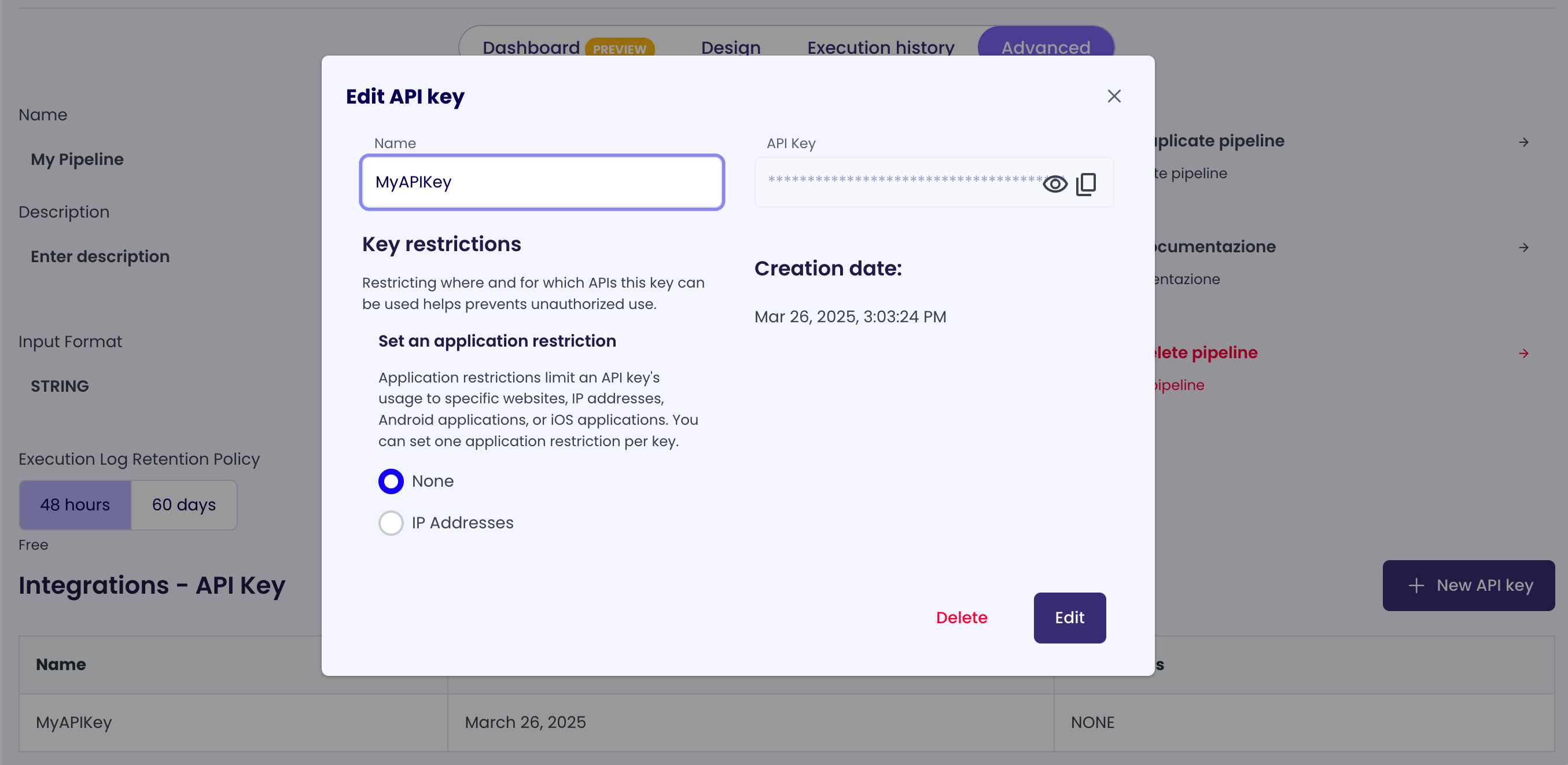
- In the "Integrations - API Key" section, click on the "New API Key" button to generate a new API Key or click on an existing one to see its details.
- Inside the API Key details, you will find the API Key value and limitations settings.